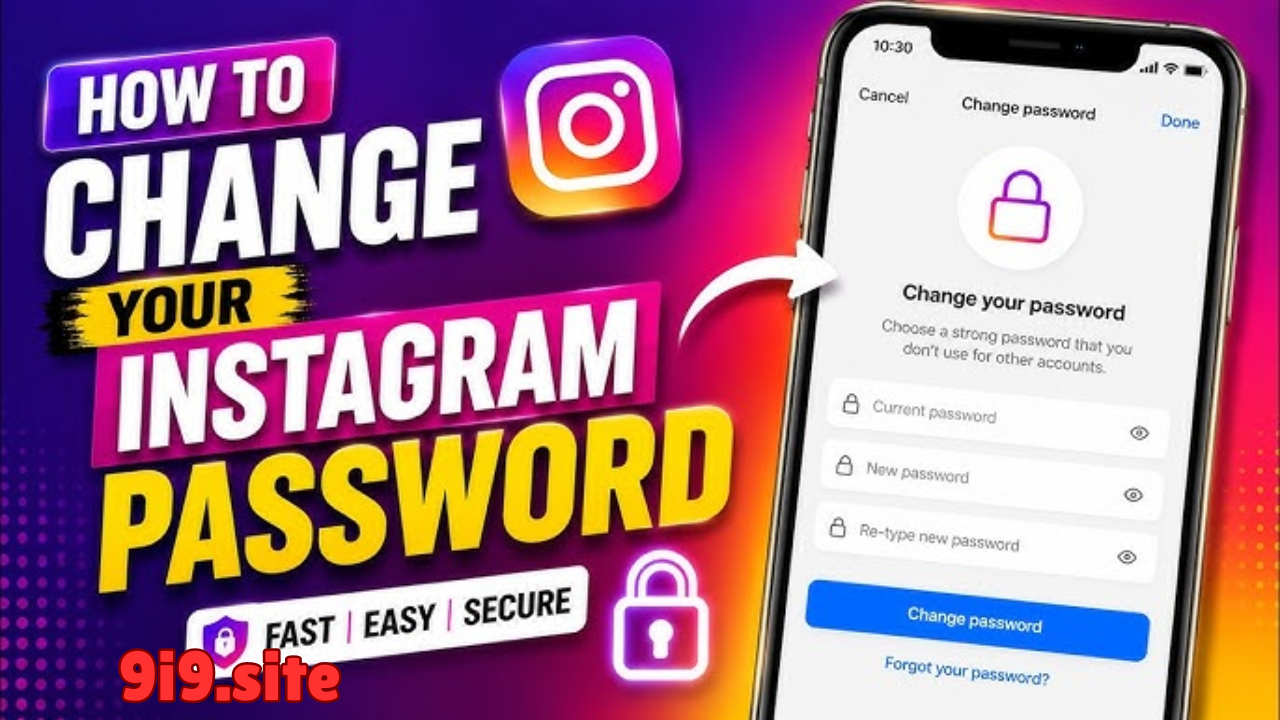
Instagram has become much more than a photo-sharing platform. In 2026, millions of people use Instagram for personal communication, business promotion, content creation, shopping, and brand building. Because Instagram accounts often contain personal information, private messages, financial partnerships, and years of memories, they have become attractive targets for hackers and cybercriminals.



Why Instagram Security Matters
A weak password or poor security habits can result in account theft, identity fraud, or loss of valuable content. Fortunately, securing your Instagram password is simple when you follow the right practices. This guide explains the best ways to protect your Instagram account and keep unauthorized users out.
Why Instagram Password Security Matters
Your Instagram password is the first line of defense against hackers. If someone gains access to your password, they may be able to:
- View private messages
- Delete your posts and reels
- Change your email and phone number
- Lock you out of your account
- Scam your followers
- Steal personal information
Taking a few preventive steps today can save you from serious problems later.
1. Create a Strong and Unique Password
The most effective way to secure your Instagram account is by using a strong password.
A strong password should include:
- Uppercase letters
- Lowercase letters
- Numbers
- Special characters
- At least 12–16 characters
Example format:
T9!BlueSky#River2026
Avoid using:
- Your name
- Birthday
- Phone number
- “password123”
- “instagram2026”
Also, never reuse the same password across multiple websites. If one account is compromised, others could be at risk.
2. Enable Two-Factor Authentication (2FA)
Two-Factor Authentication (2FA) adds an extra layer of protection to your Instagram account.
Even if someone discovers your password, they cannot log in without the second verification step.
Instagram allows authentication through:
- Authentication apps
- Security codes
- Supported login methods
To enable it:
- Open Instagram.
- Go to Settings and Privacy.
- Select Accounts Center.
- Open Password and Security.
- Turn on Two-Factor Authentication.
- Follow the setup instructions.
This is one of the most important security features you can enable.
3. Never Share Your Password
No legitimate Instagram employee or support representative will ask for your password.
Never share your password with:
- Friends
- Strangers
- Online sellers
- Fake support accounts
- Giveaway organizers
If anyone requests your login credentials, treat it as a warning sign.
4. Beware of Phishing Scams
Hackers often create fake login pages that look almost identical to Instagram.
They may send links claiming:
- Your account has been suspended.
- You won a giveaway.
- Your account needs verification.
- Someone reported your profile.
Before entering your password:
- Check the website address carefully.
- Avoid clicking suspicious links.
- Access Instagram directly through the official app or website.
5. Change Your Password Regularly
Changing your password every few months reduces the risk of unauthorized access.
You should also change it immediately if:
- You notice unusual login activity.
- Your password may have been exposed.
- You used it on another compromised website.
- Someone else had temporary access to your account.
Regular updates strengthen your account security.
6. Use a Password Manager
Remembering many complex passwords can be difficult.
A trusted password manager helps by:
- Generating strong passwords
- Storing passwords securely
- Autofilling login information
- Preventing password reuse
This makes it easier to maintain strong security without relying on easy-to-guess passwords.
7. Secure Your Email Account
Your Instagram account is closely connected to your email address.
If someone gains access to your email, they may be able to reset your Instagram password.
Protect your email by:
- Using a strong password
- Enabling two-factor authentication
- Reviewing recovery information
- Monitoring login activity
Securing your email is just as important as securing Instagram itself.
8. Monitor Login Activity
Instagram allows you to review where your account is currently logged in.
Check this information regularly.
Look for:
- Unknown devices
- Unrecognized locations
- Suspicious login times
If you find anything unusual:
- Log out of unknown devices.
- Change your password immediately.
- Review your security settings.
9. Avoid Public Wi-Fi for Sensitive Logins
Public Wi-Fi networks may not always be secure.
When logging into Instagram:
- Use your mobile data when possible.
- Avoid entering passwords on unsecured networks.
- Log out after using shared devices.
These simple habits help reduce the risk of account theft.
10. Keep Instagram Updated
Instagram regularly releases updates that improve security and fix vulnerabilities.
Enable automatic updates on your device so you always have the latest version of the app.
Running outdated software may expose your account to known security risks.
11. Recognize Fake Instagram Messages
Scammers often send messages pretending to represent Instagram.
Common examples include:
- Copyright warnings
- Verification offers
- Blue badge promises
- Follower growth services
- Fake sponsorships
Always verify messages through Instagram’s official settings rather than responding to suspicious DMs.
12. Review Connected Apps
Many users connect third-party apps to Instagram for scheduling posts, analytics, or editing.
Review connected apps regularly and remove any that you no longer use or don’t recognize.
Only authorize trusted applications that genuinely need access to your account.
13. Don’t Save Passwords on Shared Devices
If you log into Instagram on a shared or public computer:
- Never save your password in the browser.
- Always log out when finished.
- Clear the browser if necessary.
This helps prevent others from accessing your account.
14. Watch for Security Alerts
Instagram may notify you about:
- New logins
- Password changes
- Email updates
- Suspicious activity
Pay attention to these alerts and act quickly if you notice anything you didn’t authorize.
Conclusion
Securing your Instagram password in 2026 is about more than creating a strong password. It also involves enabling two-factor authentication, protecting your email account, avoiding phishing scams, monitoring login activity, and keeping your app updated.
Good security habits take only a few minutes to implement but can prevent account theft, identity fraud, and loss of valuable content. By following the tips in this guide, you can enjoy Instagram with greater confidence and keep your personal information safe from cyber threats.
